9 Best Webcams for Streaming in 2022 (Razer, Logitech, and More)
If you want to start streaming, whether gameplay, reactions, lectures, or something else, you need a good webcam. While starting out with a resolution of 4K at 60 FPS sounds tempting (it is the best, after all), you'll want to make sure you do your research first. Streaming at 4K can affect your speed and thus the quality of your stream. But don't worry, we dive into all that and more in our buying guide below.
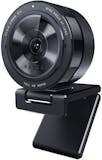
Although you should start by checking out our recommended webcams for streaming in our top 9 list. We chose Razer Kiyo Pro because it can stream in 1080p at 60 FPS, offering you the best balance of high-quality and speedy streaming. Take a look at our other recommendations to see if there's a better fit for you, or check out our buying guide below for helpful shopping tips!

mybest US' editing team consists of experienced members who have backgrounds in writing, editing, translation, and more. We are dedicated to researching what makes a product or service the best to users in the US in order to create top-quality articles. From skincare, to kitchen appliances, and to DIY supplies, our mission is to find the best ones for you.
Why You Can Trust Us
Every mybest article is crafted with hours of in-depth research and interviews with experts. Each month, we are continually expanding our database of products based on our research. By emphasizing user insight and reliable information, we deliver trustworthy content to readers.
How to Choose a Webcam for Streaming - Buying Guide
There's a lot of advice going around on how to find the best webcam for streaming. We've broken it down into simple, easy-to-understand points that will help you find the right product for your needs.
Decide Between 30 and 60 FPS
Frame rate, or FPS, refers to frames per second. Twitch lets you stream at 25-30 or 50-60 FPS, which are the most common FPS rates you’ll find. Most teleconference programs, like Teams and Zoom, use 30 FPS. How fast of an FPS you want depends on what type of content you plan to stream.
A faster FPS will give you a clearer and crisper image, especially of fast movements. If you’re planning to include a lot of action in your frame, you might want to aim for 60 FPS.
For most people, though, 30 FPS should suffice. While the image can be a bit blurrier during fast movements, it’s still a solid choice for most situations. This is especially true if you’re planning on playing video games or filming reactions: content that doesn’t require a lot of moving around.
Webcams with 30 FPS are also cheaper, thus will be the better budget option. Avoid anything below 24 FPS, though. Such a low frame rate will create a jerky and lagging effect in your frame, which really doesn't look good on people’s screens.
Get the Best Resolution
When talking about resolution, we mean the number of pixels on the screen. The higher the resolution, the clearer the image. Most people today want cameras with 1080p or higher, like 4K, although 720p can also do the job. Both produce HD (high-definition) images.
But you’ll want to stay clear of anything under 720p. Lower resolutions create blurry images and will look lower-quality. That's perfectly fine if you're going for that kind of style, but it might be easier to create that low-fidelity feel with a third-party program.
For streaming, we recommend getting a webcam with 1080p and 30 or 60 FPS. You might think it's better to go for 4K, but that would be pointless since streaming services like Twitch usually cap their streams at 1080p!
Pay Attention to the Little Things
While video quality should be your top priority when looking for a streaming webcam, there are other things to keep in mind. Think about the lens, light, sound, and placement of your webcam, and whether you'll need to outsource any of them to other products.
Look at Videos Filmed by the Webcam
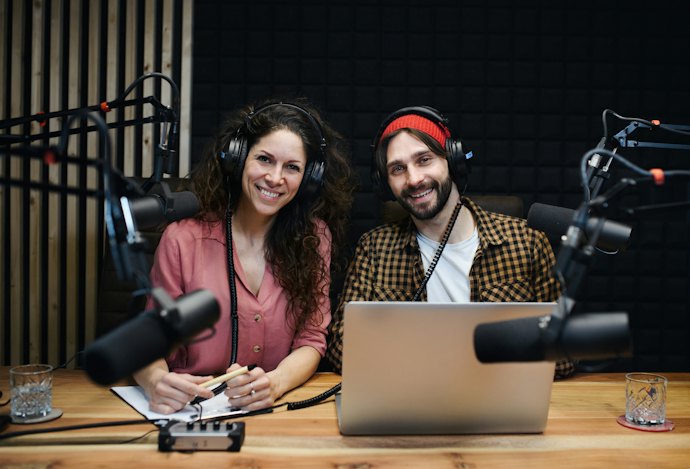
Check what kind of image the webcam produces. If you plan to include a lot in the shot, such as several people, you might want to look for a wide-angle lens that can capture more of its surroundings.
Others might have tints or filters that give off specific colors or feelings to a shot. You can find out what the image of your prospective webcam looks like by searching for reviews of it on YouTube or other websites.
Think About Your Light Source
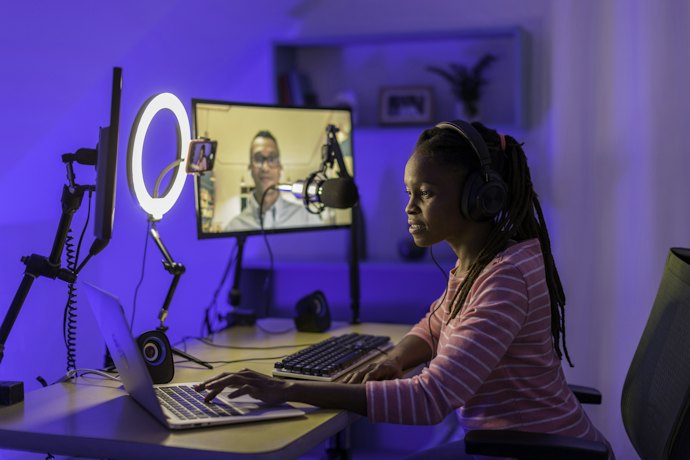
Light is another important factor when it comes to streaming. You want your image to be bright so it’s easy for the audience to see what’s going on. Check if your webcam is compatible with a ring light or if it’s advanced enough to capture low-light images on its own by using a high ISO, or film speed.
If you want to be professional, though, you might have to invest in separate lighting for your streaming videos.
Know the Importance of Good Sound
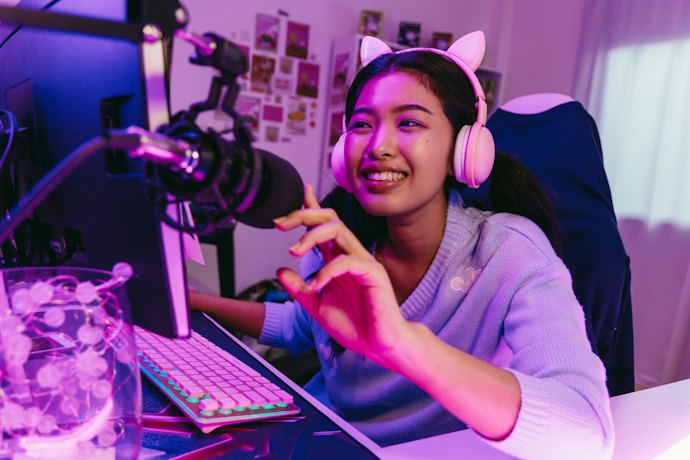
Gadgets typically have one job each. While webcams often have an integrated microphone, it’s usually best to buy a mic separately. Webcams don’t produce the same quality of audio you’d get with a dedicated mic. Audiences on Twitch and YouTube have gotten used to top-quality sound, so using your webcam mic won't cut it in most cases.
Decide On Your Webcam Placement

Think about the webcam placement. Typically, you’ll want to place the webcam on top of your monitor. Most webcams come with clips, so this is easy to do. However, some may prefer to use a stand for their webcam.
You can find tabletop stands, gooseneck stands, and arm mounts, all of which can be placed on your desk using a clip or screw closure. Think about where and how you plan to place your webcam and make sure it’s compatible with your stand.
Check Software Compatibility
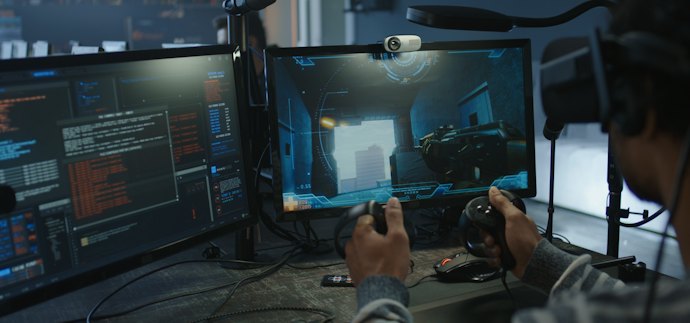
Most, if not all webcams, are going to be compatible with both PC and Mac. In some cases, you might need to download a third-party app like OBS to allow your computer to recognize it. Aside from that, using your webcam should be as easy as plug-and-play.
If you’re planning to use the webcam with a device other than a computer, like a TV, however, you should double-check whether they’ll work together or not before you commit to anything.
9 Best Webcams for Streaming
| Products | Image | Click to purchase | Popularity | |
|---|---|---|---|---|
1 | Kiyo Pro| RZ19-03640100-R3U1 Razer |  | No.1 | |
2 | C922x Pro Stream Webcam| 960-001176 Logitech |  | No.2 | |
3 | BRIO Ultra HD Webcam| 960-001105 Logitech |  | No.3 | |
4 | N930AF Webcam NexiGo |  | No.4 | |
5 | Computer Webcam With Microphone ToLuLu |  | No.5 | |
6 | 967 Webcam Angetube |  | No.6 | |
7 | StreamCam| 960-001286 Logitech |  | No.7 | |
8 | N680E Webcam With Ring Light NexiGo |  | No.8 | |
9 | Live Streamer CAM|PW513 AVerMedia |  | No.9 |

RazerKiyo Pro | RZ19-03640100-R3U1
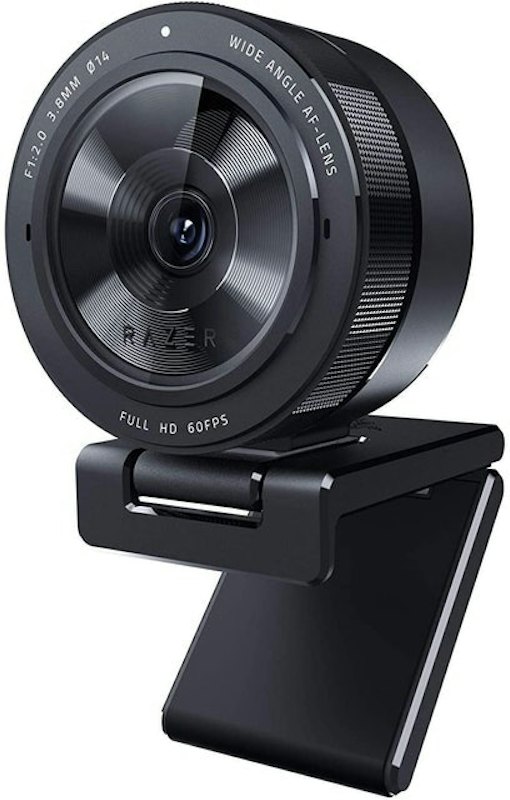
The Razer Kiyo Pro offers full HD with 1080p at 60 FPS. This will give you a crisp and clear image when streaming. The image is not only high-resolution but also vibrant and with good contrast.
The webcam's wide-angle lens gives it up to 103 degrees field of view, so it can fit a lot in frame. It has an adaptive sensor that will adapt to the light in your room, using a built-in ring light.
Some people said that this webcam didn't last very well. They also struggled with getting it to work with various settings. However, many testified to its top-notch streaming quality. They also liked how much they could customize the settings of the webcam to create the perfect image on their screens.
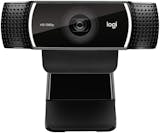
LogitechC922x Pro Stream Webcam | 960-001176
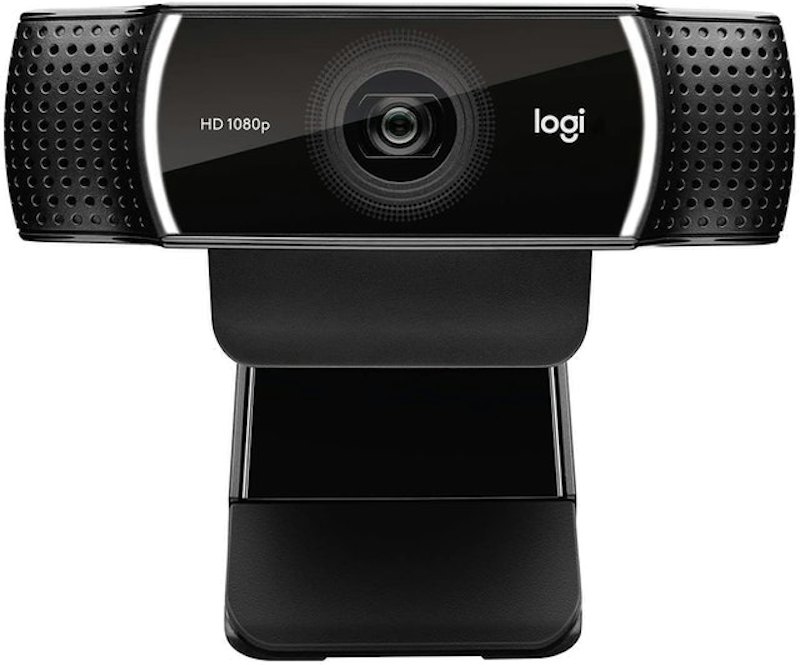
This webcam from Logitech is a staple when it comes to streaming. It captures crisp footage in 1080p at 30 FPS and is compatible with a range of software, including XBox One and Android, so you can stream directly from your console or phone.
It can also record at 60 FPS at 720p, allowing you to tailor your stream to the experience. The field of view is 78 degrees wide and the camera offers light corrections. This way, you can stream even in dark surroundings.
A few reviewers complained about the drivers for this webcam, saying they could be buggy. Meanwhile, the vast majority said it worked seamlessly for streams. They appreciated that it was easy to set up and worked well with the popular streaming program OBS.
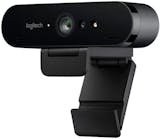
LogitechBRIO Ultra HD Webcam | 960-001105
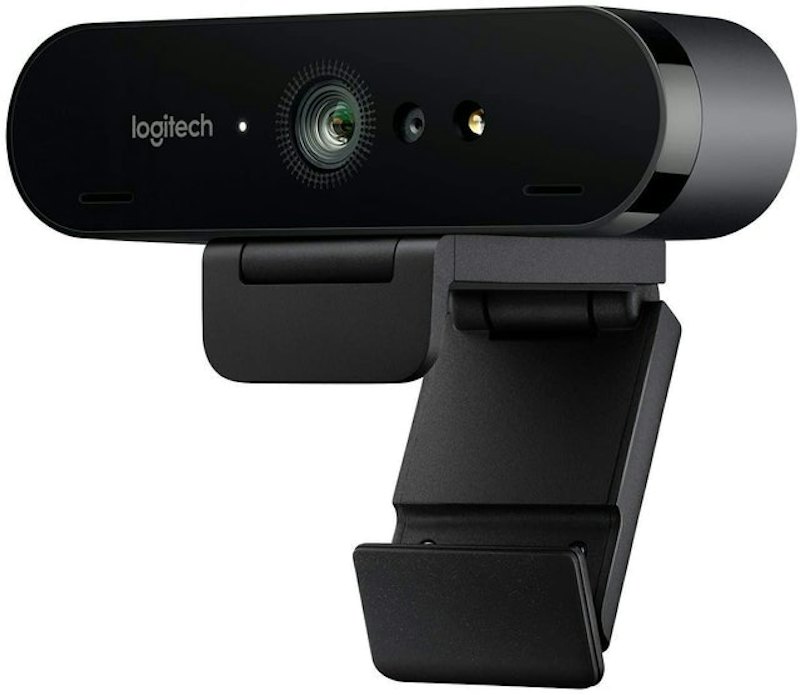
If you want to stream in 4K, go for Logitech's BRIO. It delivers HD footage at 30 FPS and has an array of other features. For example, you can adjust the field of view up to 90 degrees. The built-in light adjusts to your lighting conditions to create the best image.
With this webcam, you can also stream at a lower resolution but higher FPS. Do 60 FPS at 1080p or even 90 FPS at 720. You can remove the clip to mount the webcam on a tripod.
One gripe reviewers had was that this webcam wasn't streamlined to work well with Macs. Meanwhile, reviewers praised it for producing super sharp image quality. Many liked the accompanying camera app, too, saying it was easy to navigate.
Best For: Product reviewers, tutorial hosts, or any streamer who shows objects on camera and needs quick, accurate refocusing.
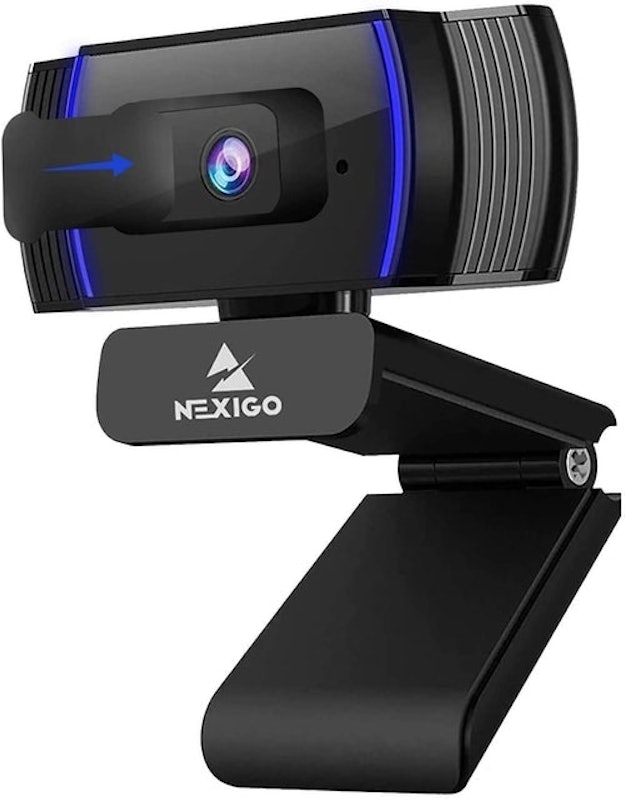
The N930AF highlights autofocus, which is valuable if you tend to move around or hold objects up for the camera during your stream, be it gaming peripherals or unboxing videos. It broadcasts at 1080p with a noise-reduction mic, and the included privacy shutter offers peace of mind when you’re off-air. Its consistent focusing is what sets it apart in the mid-tier category.
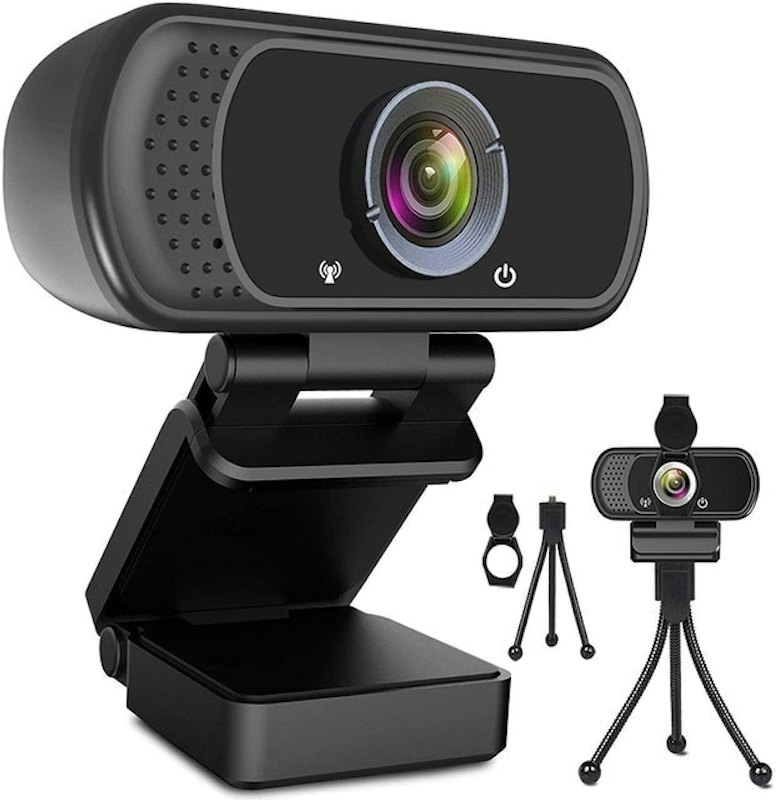
You can clip this webcam to your computer screen or you can prop it up on the included tripod. Its power cable is six feet long, and it will pick up your voice at a 10-foot distance. The webcam streams in perfect 1080p at 30 FPS, and it has light correcting technology to make sure you get the best quality image on your stream.
While reviewers liked the webcam, some said the audio quality wasn't great and recommended using a separate microphone. Aside from this, many praised the webcam's streaming ability. They said it was easy to set up and use in conjunction with OBS.
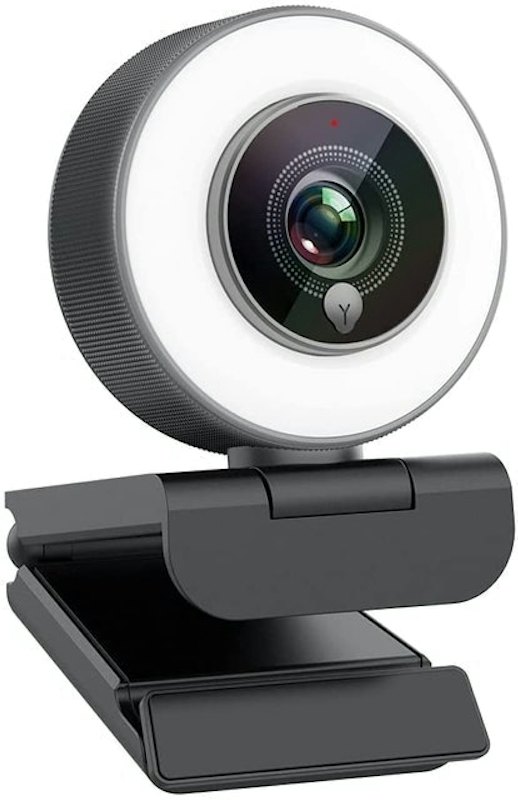
This webcam has a ring light with three brightness levels, so your stream will always look bright. It's easy to get started with it, too - simply plug it into your computer or Xbox One, and go. It has an autofocus function so your image will always be clear.
A handful of reviewers lamented that their webcam stopped working after a few months. On the other hand, many said that it works great for streaming. They also said it's a good webcam for those who just need basic functionality.
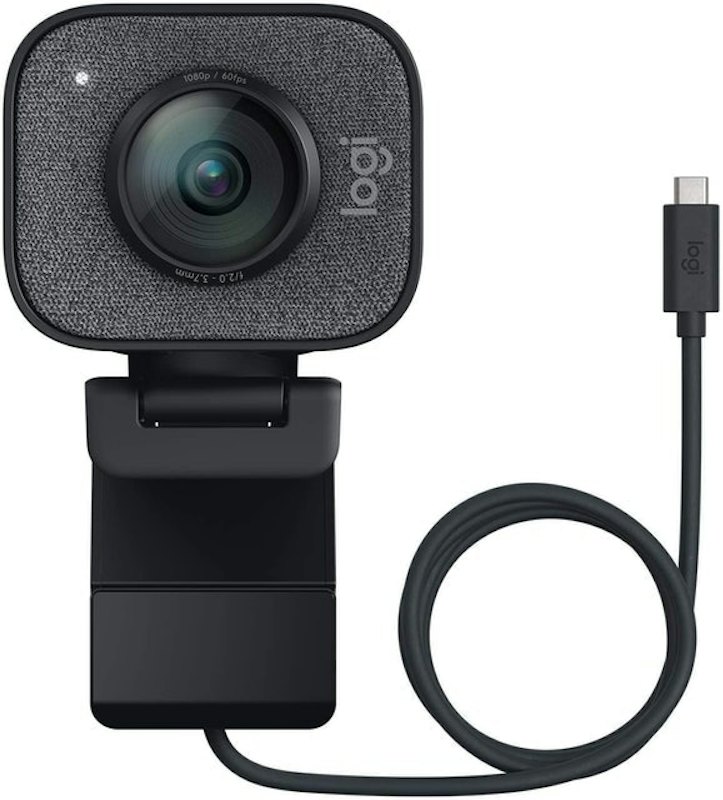
Get full HD with this webcam, which captures video at 1080p and 60 FPS. It connects to your computer via USB-C for ultimate speed. Its smart-functions allow it to deliver accurate focus and exposure at any time. It's also available in white.
A few reviewers noted that their image isn't clear enough when using this webcam, although some noted that it's best not to use a USB adapter as that can affect the image quality. The majority of reviewers said they use it for streaming both on Zoom and Twitch without any problems.
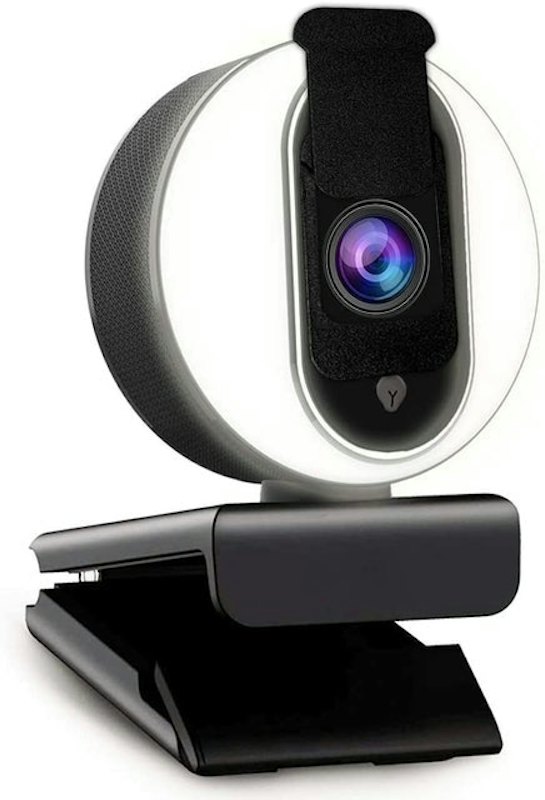
This webcam has a wide-angle lens, capturing footage in 1080p at 80 degrees and 30 FPS. It has a privacy cover so you can browse the Internet in peace when you're not streaming. The ring light has three levels, and the built-in microphone cancels out background noise.
Despite the adjustable ring light, reviewers didn't recommend this webcam for low-light settings. Still, several said they use it for streaming meetings and classes and that it works well. Many were pleased with the high quality of the picture.
AVerMediaLive Streamer CAM | PW513
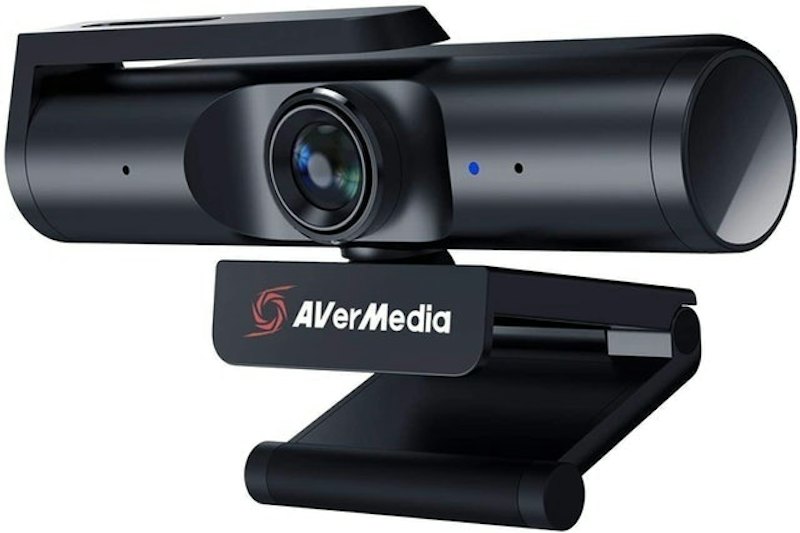
This webcam offers ultra-high definition with 4K at 30 FPS. Alternatively, you can stream in 1080p at 60 FPS. In other words, you won't have to worry about image resolution! The webcam can swivel 360 degrees and has a wide-angle lens to make sure to capture everything that's going on.
A few reviewers complained that the screen is a bit grainy through this webcam, so you'll want to make sure you have a decent light source. One reviewer fixed this issue by installing a recent update. Meanwhile, many were impressed with the 4K image from the webcam. They added that it was easy to install and use.
50 Tips to Keep in Mind While Streaming
If you're looking for advice or ideas for getting started or improving your streaming experience, watch this video by Alpha Gaming! It includes tips on webcam settings, what else you'll need to have a great stream, and more.
Get Ready to Launch Your Streaming Channel
If you're planning on streaming, it's likely that you'll need more equipment than just a webcam. Take a look at our other recommendations to get the best tools for the job.


Amazon's Best Selling Webcams
The descriptions of each product are referenced from content available on manufacturer, brand, and e-commerce sites.